How to Pay MEPCO Online Bill
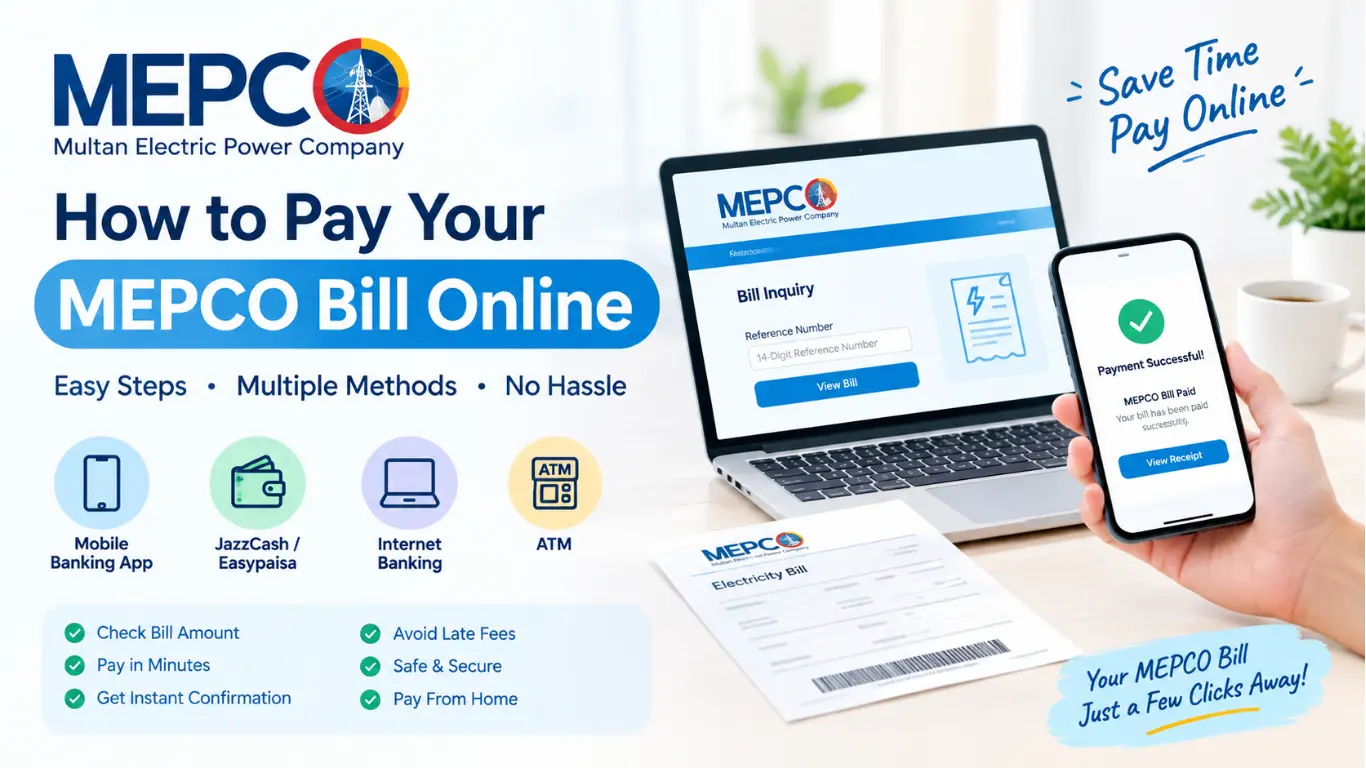
How to Pay MEPCO Online Bill Today. You can pay your bill from home in just a few minutes. If you get your electricity from MEPCO (Multan Electric Power Company), this guide will explain how to pay your MEPCO bill online easily and without any hassle.
What You Need Before You Start
You only need a few things:
- Your bill or reference number. This is the 14-digit number printed on your bill. You can also find it on an older bill or in your account details.
- A smartphone or computer with internet.
- A bank account or mobile wallet. Any major banking app, JazzCash, Easypaisa, or a similar service will work.
Step One: Check Your Bill Amount
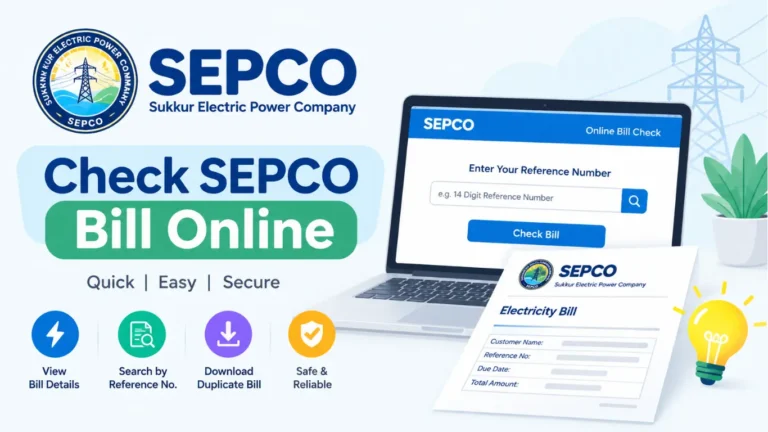
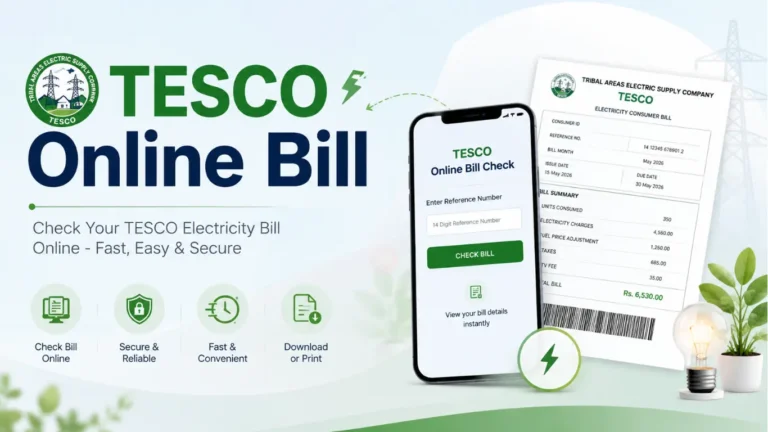
Before paying, always check how much you owe. Open your browser and go to the official MEPCO website. Look for the “Bill” or “Bill Inquiry” option, type in your reference number, and press the button. You will see your units used, the total amount, and the due date.
- Look at the due date. If you pay after it, you will be charged an extra late fee, which is a percentage of your bill.
- There are usually two amounts on the bill: one to pay before the due date and a higher one to pay after. Pay on time, and you save money.
- If a number looks strange, compare it with your last few bills. If it’s far too high, you can ask MEPCO to check your meter reading.
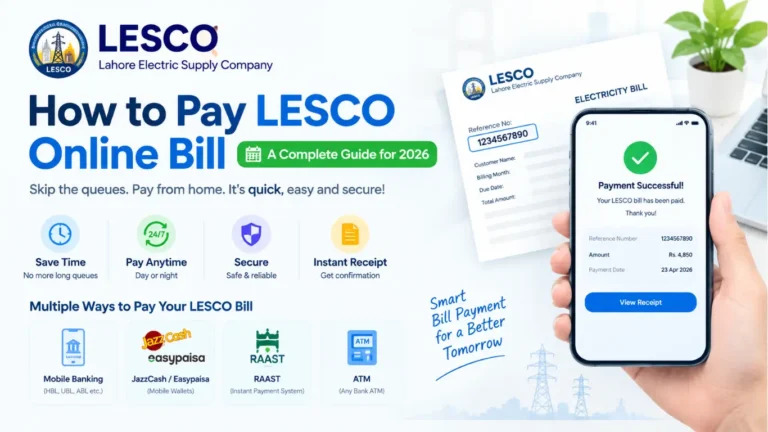
Method 1: Pay Through Your Mobile Banking App
This is the easiest and most popular way. Almost every Pakistani bank has an app that supports utility bill payment. The steps are nearly the same everywhere:
- Open your banking app and log in.
- Tap on Bill Payment or Utility Bills.
- Choose Electricity, then select MEPCO from the list.
- Enter your 14-digit reference number.
- Check that the name and amount on the screen are correct.
- Confirm the payment with your PIN, fingerprint, or OTP.
Once the payment goes through, you will get a confirmation message. Take a screenshot and save it. It works as your proof of payment if any problem shows up later.
Method 2: Pay Using JazzCash or Easypaisa
If you don’t have a bank app, a mobile wallet works just as well. Thousands of people use these every day because they are quick and simple.
With JazzCash:
- Open the app and go to Bill Payment.
- Select Electricity, then choose MEPCO.
- Type your reference number and check the amount.
- Pay from your wallet balance or linked account.
With Easypaisa, the steps are almost the same. Open the app, tap Bill Payment, choose your electricity company, enter your reference number, and confirm.
Make sure your wallet has enough balance before you start. Otherwise, the payment will fail, and you will waste time trying again.
Method 3: Pay Through Internet Banking
If you like using a computer, internet banking is a good choice. Log in to your bank’s website, find the bill payment section, and pick MEPCO. Enter your reference number and complete the payment. This method is handy for people who pay several bills at once, like gas, water, and internet.
Method 4: Pay at an ATM
Many ATMs also let you pay utility bills. Insert your card, enter your PIN, and look for the Bill Payment option. Choose electricity, select MEPCO, and enter your reference number. The machine prints a receipt when the payment is done. Keep it safe.
What If the Payment Fails?
- Check your balance. Most failed payments happen because the account has too little money.
- Check your internet. A weak connection can stop a payment halfway.
- Do not pay twice right away. First, check whether money was deducted from your account. Sometimes the payment goes through, but the confirmation message is late.
- Wait a few hours. If the money was deducted but your bill still shows unpaid, it can take some time to update.
- Contact your bank or wallet support with your screenshot and transaction ID. They can trace the payment quickly.
How Long Does It Take to Show?
Most online payments show up within a few hours. Sometimes it takes one or two working days, especially on weekends and public holidays. That is why you should never wait for the last day. Pay at least two or three days before the due date to stay safe.
Useful Tips to Avoid Trouble
Pay early. Don’t leave it until the final day. Servers get busy, and apps sometimes slow down near deadlines.
Double-check the reference number. One wrong digit can send your money to someone else’s bill. Always read the name and amount shown before you confirm.
Keep your receipts. Save the screenshot or download the receipt. Keep them for at least a few months.
Watch out for fake messages. Scammers sometimes send texts saying your electricity will be cut off unless you click a link. MEPCO will never ask for your PIN, password, or OTP. Only use your official banking app or the real MEPCO website.
Set a monthly reminder. Put a reminder on your phone for the same date every month. It takes ten seconds and saves you from late fees.
How to Get a Duplicate Bill
If your paper bill hasn’t arrived or you’ve lost it, go to the MEPCO website, use the bill inquiry option, and enter your reference number. You can view and print your bill from there. You don’t need the paper copy to pay online. The reference number is enough.
Why Paying Online Is Better
There are many good reasons to switch to online payment:
- It saves time. No travelling, no queues, no waiting.
- It works any time. You can pay at midnight or on a Sunday.
- It is safe. You get instant proof of payment.
- It avoids late fees. You can pay the moment you get your bill.
- It saves fuel and effort, especially if the bank is far away.
Final Words
Paying your MEPCO bill online is not difficult once you have done it a single time. Keep your reference number handy, choose the method you like best, and check the amount before you pay. Whether you use a bank app, a wallet like JazzCash or Easypaisa, or an ATM, the process takes only a few minutes.
Make it a habit to pay a few days before the due date, save your receipt, and stay alert against fake messages. Do this every month, and you will never worry about late charges or a cut-off notice again.
Want me to put this article in a Word or text file so you can download it?
One Comment