Check TESCO Online Bill September 2026 by Entring 14 Digit Ref No
You are a TESCO consumer and want to check your TESCO Online Bill, it is very simple:Enter the 14 Digit Reference Number or 10 Digit Customer ID to get you latest Duplicate Bill.
Check TESCO Bill Online
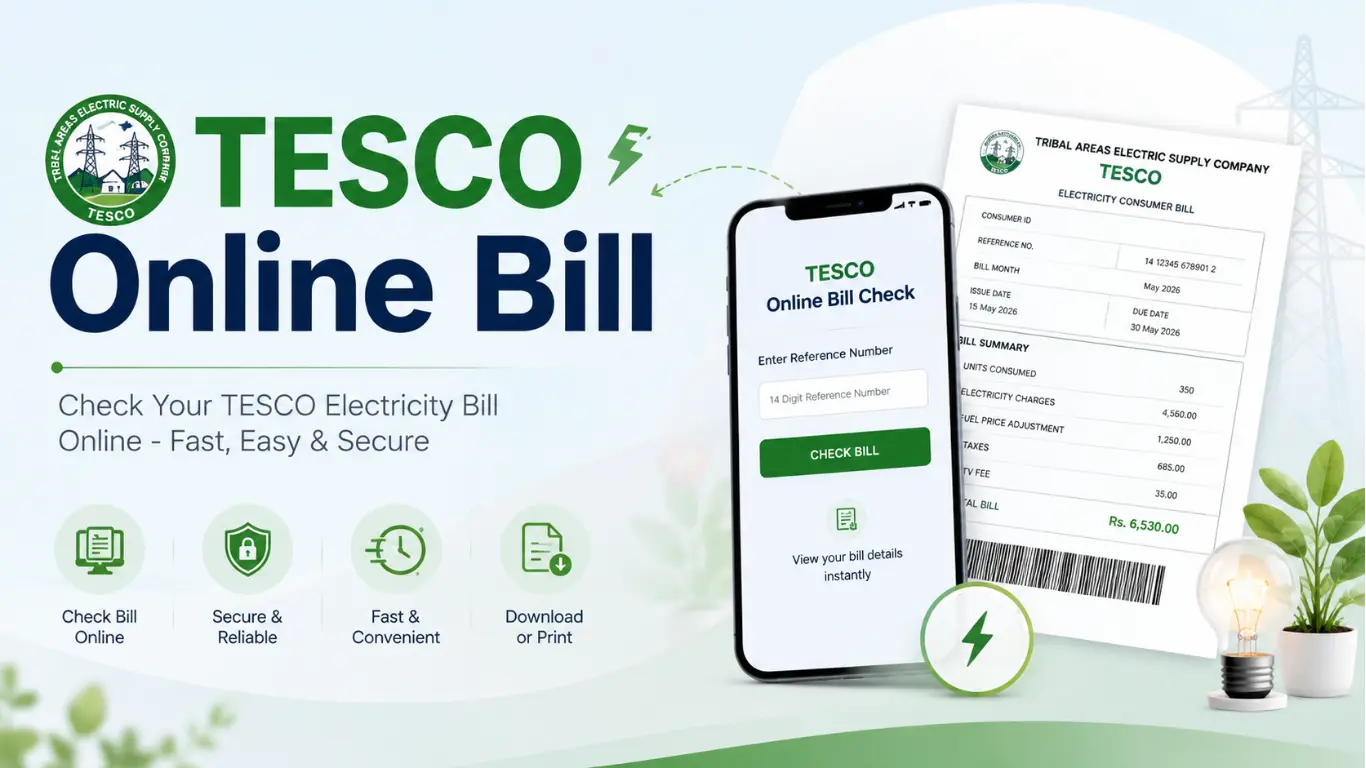
The Tribal Areas Electric Supply Company (TESCO) is one of the electricity distribution companies operating under WAPDA (Water and Power Development Authority) in Pakistan. TESCO is responsible for electricity supply in the merged districts (formerly FATA) of Khyber Pakhtunkhwa. Like other electricity distribution companies, TESCO now offers consumers the facility to check their electricity bills online, download duplicate bills, and make payments using digital payment methods.
How to Check TESCO Online Bill by Reference Number
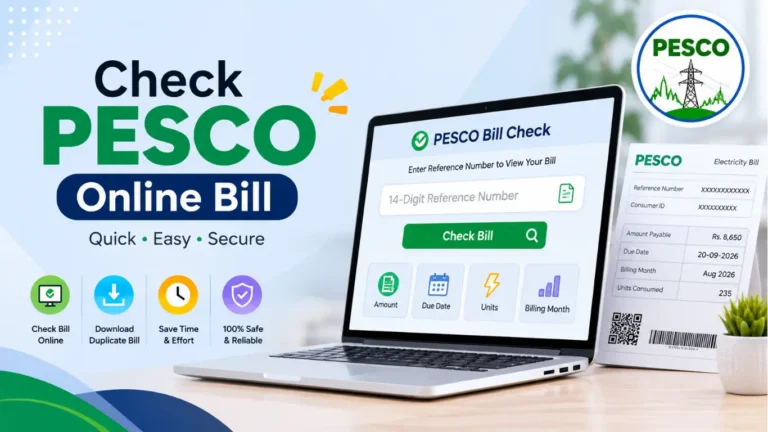
Checking your online bill is simple and usually takes only a few moments. You need the 14-digit Reference Number printed on your previous electricity bill. Enter this number in the bill-checking box, click Check Bill, and you will be redirected to the official PITC billing portal, where you can view your latest bill details.
Steps to Check TESCO Bill Online
- Find your 14-digit Reference Number on a previous TESCO bill.
- Enter the Reference Number in the Bill Check box.
- Make sure all 14 digits are entered correctly.
- Click the Check Bill button.
- You will be redirected to the official PITC bill portal.
- Enter or confirm your Reference Number there and click Search.
- Your latest TESCO bill details will be displayed.
- You can then view, print, or download a duplicate copy of your bill.
How to Find Reference Number?
You can easily find your TESCO Reference Number on a previous electricity bill. It is usually printed near the top section of the bill, along with other important consumer information. The Reference Number is generally a 14-digit number and is required when checking your bill online.
Steps to Find TESCO Reference Number
- Take your latest or any previous TESCO electricity bill.
- Look at the top left of the bill where consumer information is displayed.
- Find the field labeled Reference No. or Consumer Number.
- Check the number carefully it should contain 14 digits.
- Enter this 14-digit number in the Online Bill Check box to view your bill.
Check TESCO Bill by CNIC or Name
- Currently, TESCO does not offer a direct online option to check a bill using CNIC or customer name.
- To check your bill online, you normally need the 14-digit Reference Number.
- You can find the Reference Number on your previous TESCO electricity bill.
- Enter the 14-digit Reference Number in the Bill Check box. Click the Check Bill button to view your latest bill.
- If you do not have your Reference Number, contact the TESCO customer service office for assistance.
TESCO Online Bill Services
The TESCO online billing service provides useful facilities that make it easier for consumers to manage their electricity bills:
- ✅ Check your latest bill online from anywhere at any time.
- ✅ View, download, and print a duplicate copy of your electricity bill.
- ✅ Review previous billing information and payment records when available.
- ✅ Use convenient digital payment options to pay your electricity bill.
- ✅ Submit billing-related complaints through the available online complaint facility.
TESCO Bill Payment Options
Online Bill Payment
You can pay your bill online using several convenient options:
- JazzCash App – Pay your bill directly from the app.
- Easypaisa App – A quick and simple way to make payment.
- UPaisa – Use the app to pay your electricity bill.
- Banking Apps – Most major banks, including HBL, UBL, Meezan, MCB, and Allied Bank, support bill payments.
- ATMs – Some banks also allow electricity bill payments through their ATMs.
Offline Bill Payment
If you prefer to pay in person, you can use these options:
- Bank Branches – Visit a nearby commercial bank and pay your bill.
- Post Offices – TESCO bills can also be paid at selected post offices.
- JazzCash or Easypaisa Shops – Pay your bill at an authorized nearby agent.
Tip: Online payment is usually more convenient because you can pay from home and avoid waiting in long queues.