Check Your LESCO Online Bill October 2026
Enter your 14 Digit reference number or consumer ID to check your LESCO Online Bill instantly. Skip the CAPTCHA delays on the official portal; same billing data, faster access.
Check LESCO Bill Online
Waiting for your LESCO Bill 2026? You can check it online without waiting for the paper bill to arrive. Just enter your reference number or consumer ID to view your latest bill and get a duplicate copy for free.
How to Check LESCO Online Bill
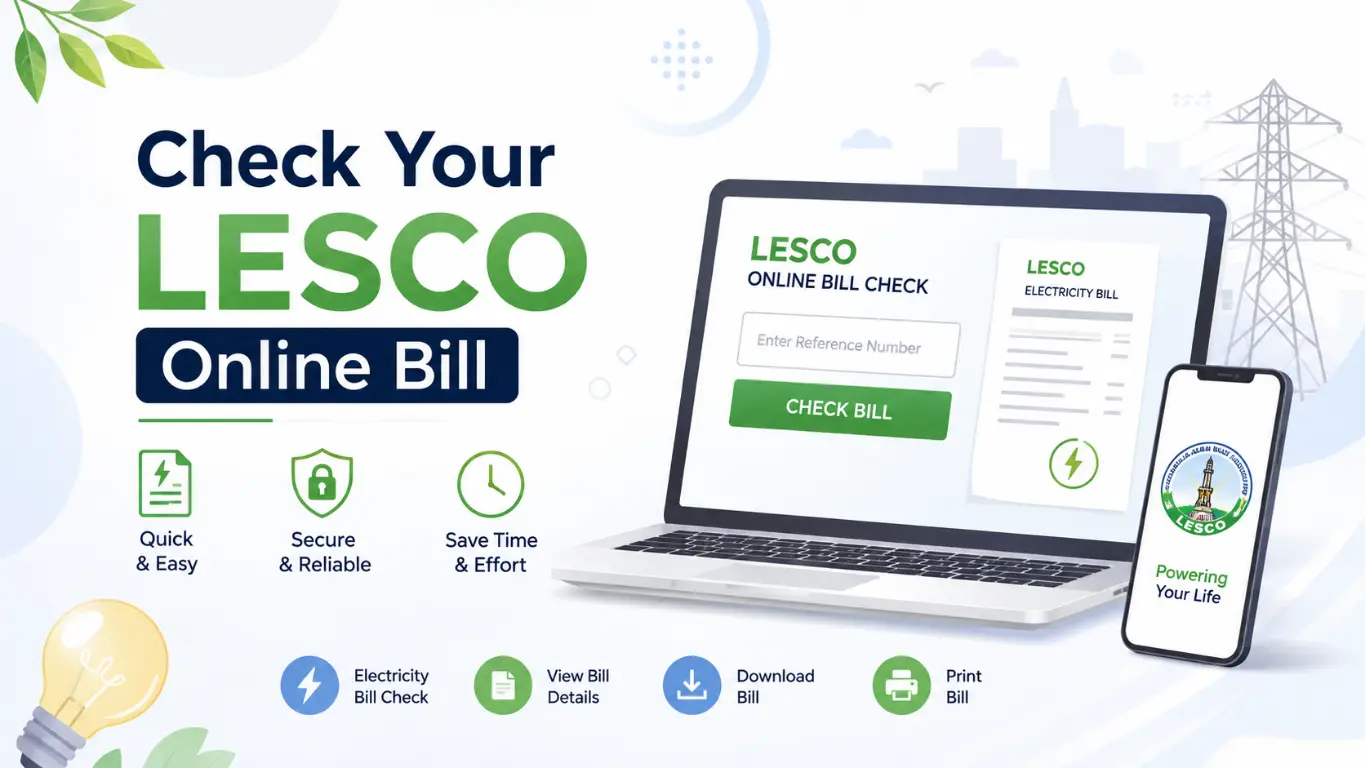
Checking your LESCO online bill is quick and simple. Follow these steps:
- Find Your Details: Take your 14-digit reference number or consumer ID from an old LESCO bill.
- Open the Bill Checker: Visit the online LESCO bill checking page.
- Enter Your Number: Carefully enter your reference number or consumer ID in the required field.
- Check Your Bill: Click the Check Bill button to view your latest bill.
- Save Your Copy: Download or print the duplicate bill for your records.
What is Reference Number and How to Find It
A LESCO reference number is a unique number used to identify your electricity connection and retrieve your bill online. It is usually a 14-digit number printed on your previous LESCO bill.
You can find it near the top left corner of your old bill, usually labeled as Reference No. Simply enter this number on the online bill checker to view your latest LESCO bill.
Key Features of the LESCO Bill Check Page
The LESCO bill check page lets you view your electricity bill without waiting for a paper copy. Some useful features include:
Quick Bill Check
Enter your reference number and view your latest bill within seconds.
Bill Details
Check important information such as the bill amount, due date, billing month, and units used.
Duplicate Bill
Lost your paper bill? You can view and save a duplicate copy whenever needed.
Easy to Use
The page is simple and straightforward, so you can check your bill without any complicated steps.
Free Online Access
Check your LESCO bill online from your phone, tablet, or computer without visiting a customer service office.
Frequently Asked Questions About LESCO Online Bill
1. How can I check my LESCO bill online in 2026?
You can check your LESCO bill online by entering your Reference Number or Customer ID on the LESCO bill-checking portal. Your current bill details will appear online.
2. Where can I find my LESCO Reference Number?
Your Reference Number is printed on your electricity bill, usually near the top section. You can use the number from an old bill to check your latest bill online.
3. Can I check my LESCO bill without a Reference Number?
Generally, you need the Reference Number or Customer ID to retrieve your bill online. If you have lost these details, you can contact LESCO customer support for assistance.
4. How can I download my LESCO duplicate bill?
After checking your bill online, you can print it or save it as a PDF using your browser’s print option. This gives you a duplicate copy of your bill.
5. Can I check my LESCO bill by CNIC?
The online bill-checking system generally uses your Reference Number or Customer ID, rather than your CNIC number.
6. How can I check my LESCO bill amount and due date?
Enter your Reference Number or Customer ID to view your bill. The online bill shows the payable amount, due date, units consumed, and other billing details.
7. Why is my LESCO bill not showing online?
If your bill is not available, check that you entered the correct Reference Number. A new connection or recently generated bill may also take some time to appear in the online system.
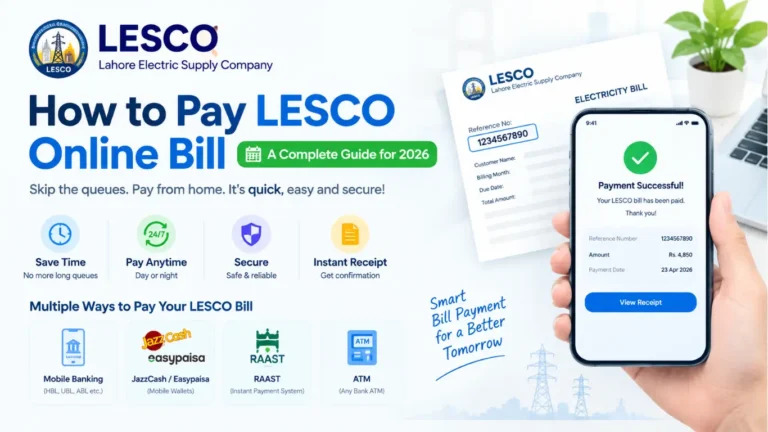
8. How can I pay my LESCO bill online?
You can pay your LESCO bill through supported banking apps, mobile wallets, ATMs, and online banking services. Always check the bill amount and due date before making payment.
9. What happens if I pay my LESCO bill after the due date?
A Late Payment Surcharge (LPS) may be added when the bill is paid after the due date. The exact amount payable after the due date is shown on the bill.
10. How can I check my LESCO bill if I did not receive the paper bill?
You don’t have to wait for the paper copy. You can check and download your bill online using your Reference Number or Customer ID.
One Comment