Check QESCO Online Bill by Entering 14 Digit Reference No
You are a QESCO consumer and want to check your QESCO Bill Online just enter your bill’s 14-Digit Reference Number or 10-Digit Consumer ID in the top-left corner of your bill.
QESCO Online Bill Check
You will be redirected to the official PITC QESCO Bill website.
How to Check QESCO Online Bill
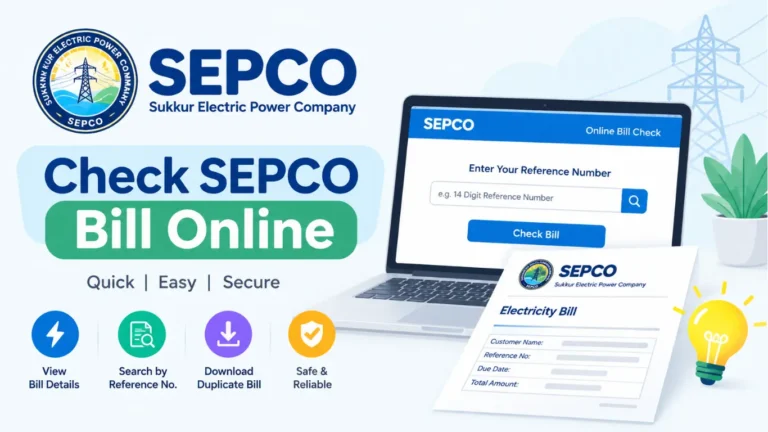
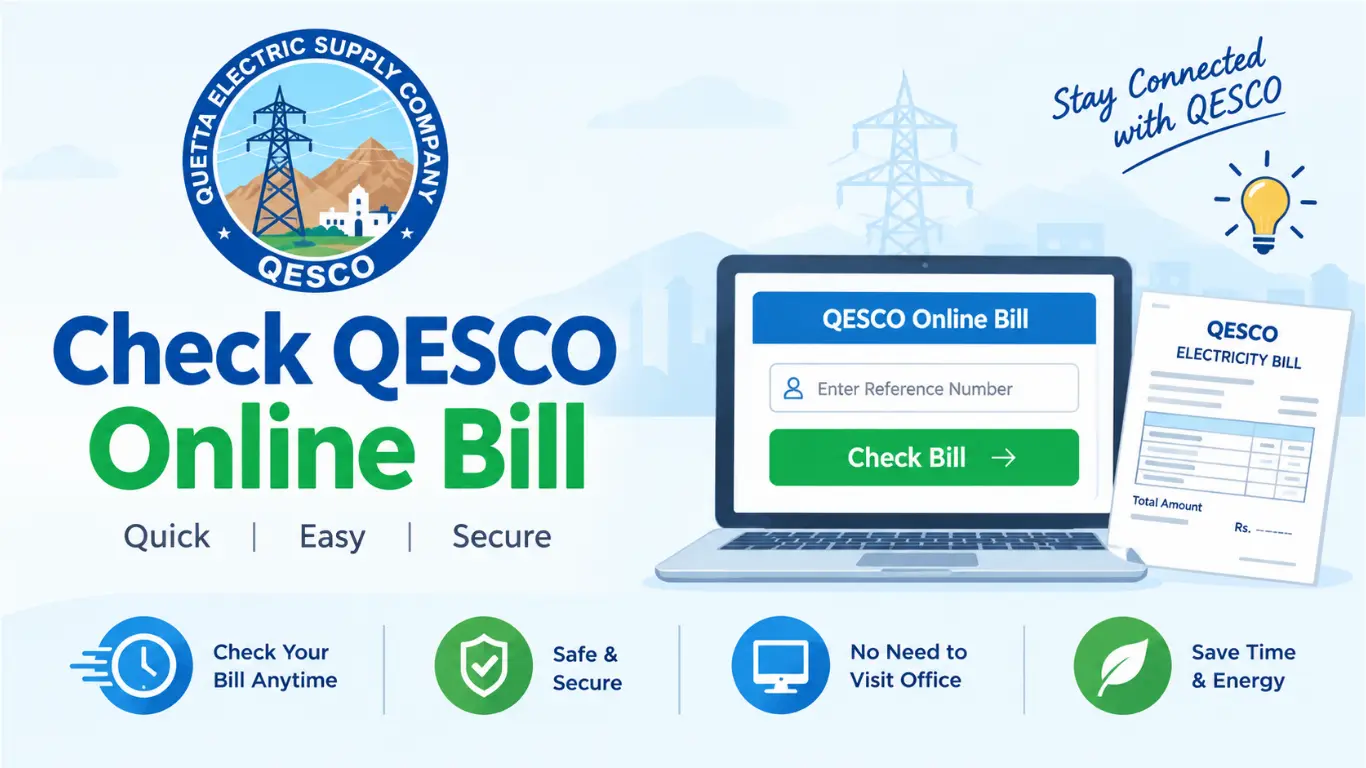
Checking your QESCO electricity bill online is simple. You can use your 14-digit Reference Number or 10-digit Consumer ID to view your latest bill, including the amount and due date.
Steps to Check QESCO Bill Online
- Open the QESCO Bill Checker on your mobile or computer.
- Select Reference Number or Consumer ID.
- Enter your 14-digit Reference Number or 10-digit Consumer ID.
- Click the Check Bill / Submit button.
- Your QESCO bill will appear on the screen.
- Check your bill amount, due date, units, and other details.
- You can also download or print a duplicate copy of your bill.
What is Reference Number and How to Find it
The QESCO Reference Number is a unique number that identifies your electricity connection. You can use it to check your latest QESCO bill online.
- It is usually a 14-digit number.
- You can find it on the top-left corner of your QESCO bill.
- It is used to check your online bill, amount, due date, and billing details.
- You can find it easily on an old QESCO bill if you do not have the latest one.
- Enter the Reference Number carefully when checking your bill online.
Why Use the QESCO Online Bill Check Service?
- Saves Time: Check your bill from home without visiting a QESCO office.
- Easy to Use: Enter your Reference Number and view your bill in a few clicks.
- Available Anytime: Check your bill 24/7 from your mobile, tablet, or computer.
- Check Due Date: See the exact due date and avoid missing your payment deadline.
- Know Bill Amount: Check your current payable amount before making payment.
- Avoid Late Fees: Get your bill details early and pay on time.
- View Previous Details: Compare your current bill with previous billing information.
- Download Duplicate Bill: Download or print a copy whenever you need it.
- No Office Visit: Get your bill details online without standing in long queues.
- Quick Bill Verification: Confirm your billing details before making a payment.
QESCO Areas Coverd
QESCO supplies electricity to a large part of Balochistan. Its service area includes major cities and districts such as:
| Area / City | QESCO Coverage |
|---|---|
| Quetta | Quetta District |
| Chaman | Chaman and surrounding areas |
| Pishin | Pishin District |
| Ziarat | Ziarat District |
| Sibi | Sibi District |
| Loralai | Loralai District |
| Dera Murad Jamali | Nasirabad region |
| Turbat | Kech District |
| Khuzdar | Khuzdar District |
| Kalat | Kalat District |
| Gwadar | Gwadar District |
| Mastung | Mastung District |
| Nushki | Nushki District |
| Kharan | Kharan District |
Peak Hours of QESCO
QESCO’s Time-of-Use (TOU) peak hours change according to the season. During these hours, electricity usage can be charged at the higher peak rate for applicable TOU connections.
| Season / Months | QESCO Peak Hours | Off-Peak Hours |
|---|---|---|
| December – February | 5:00 PM – 9:00 PM | Remaining 20 hours |
| March – May | 6:00 PM – 10:00 PM | Remaining 20 hours |
| June – August | 7:00 PM – 11:00 PM | Remaining 20 hours |
| September – November | 6:00 PM – 10:00 PM | Remaining 20 hours |
Tip: If you have a TOU meter, try to use heavy appliances such as ACs, washing machines, and water pumps outside peak hours to help manage electricity costs.
QESCO Online Bill Payment Method
You can pay your QESCO bill through several easy online and offline methods:
Online Payment Methods
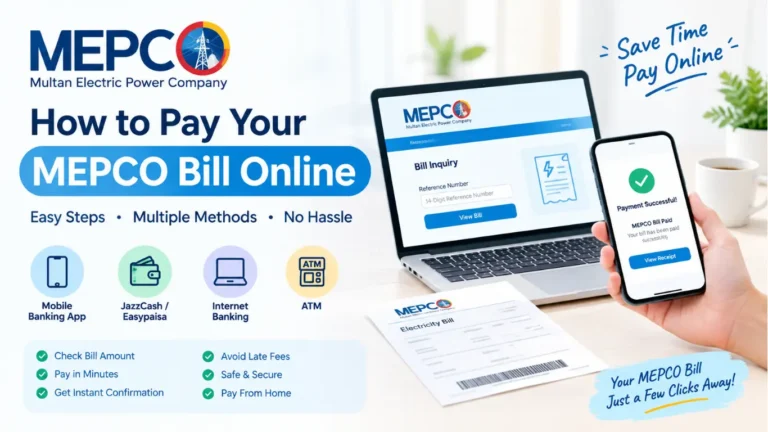
- JazzCash: Open JazzCash → Bill Payments → Electricity → QESCO → Enter Reference Number → Pay.
- Easypaisa: Open Easypaisa → Bill Payment → Electricity → QESCO → Enter bill details → Confirm payment.
- Banking Apps: Use your bank’s mobile app, select Electricity/QESCO, enter the required bill number, and pay.
- ATM: Use a supported bank ATM → Bill Payment → Electricity → QESCO → Enter bill details → Confirm payment.
- Internet Banking: Log in to your bank’s online banking service and pay the QESCO bill from the utility bill section.
Offline Payment Methods
- Bank Branch: Visit a bank branch and pay your QESCO bill at the counter.
- Post Office: Pay your bill at a nearby post office offering utility bill payment services.
- Authorized Payment Centers: Visit an authorized QESCO bill payment center and pay in cash.
Tip: Always keep your payment receipt or transaction confirmation until the bill payment is successfully updated.
Why do we use QESCO Online Bill Checking?
QESCO online bill checking makes it easier for consumers to manage their electricity bills without visiting an office. With just a Reference Number or Consumer ID, you can quickly view your latest bill and its important details.
- Check your bill anytime from your mobile or computer.
- View the bill amount before making payment.
- Check the due date and avoid late payment.
- Get a duplicate bill if the original is lost.
- Save time by avoiding office visits and long queues.
- Verify billing details before paying your bill.
- Plan your payment by checking the bill in advance.
FAQ,s
What is QESCO?
QESCO stands for Quetta Electric Supply Company. It supplies electricity to many areas of Balochistan.
How can I check my QESCO bill online?
You can check your latest bill by entering your 14-digit Reference Number or 10-digit Consumer ID in the QESCO online bill checker.
Where can I find my QESCO Reference Number?
Your 14-digit Reference Number is usually printed on the top-left corner of your QESCO electricity bill.
Can I check my QESCO bill without a Reference Number?
Yes, if the bill-checking service supports it, you can use your 10-digit Consumer ID instead.
Can I download my QESCO bill online?
Yes. After viewing your bill, you can usually download or print a duplicate copy for your records.
How can I pay my QESCO bill online?
You can pay through supported JazzCash, Easypaisa, banking apps, internet banking, and ATM services.
What should I do if my QESCO bill is not showing?
Check your Reference Number or Consumer ID carefully and try again. If the problem continues, contact QESCO customer support.
Can I check my QESCO bill from my mobile?
Yes, you can check your bill easily using a smartphone, tablet, or computer with an internet connection.
How can I check my QESCO bill due date?
Open your latest online bill and look for the Due Date section to see the payment deadline.
Can I check my previous QESCO bills online?
Availability of previous bills depends on the online service being used. Your latest bill is generally the easiest to access.