Check MEPCO Online Bill October 2026 by Entering 14 Digit Ref No
You are a MEPCO consumer and want to check your MEPCO Bill Online; just enter your bill’s 14 Digit Reference Number or 10 Digit Consumer ID in the top-left corner
Check MEPCO Bill Online
Easy ways to check MEPCO Bill
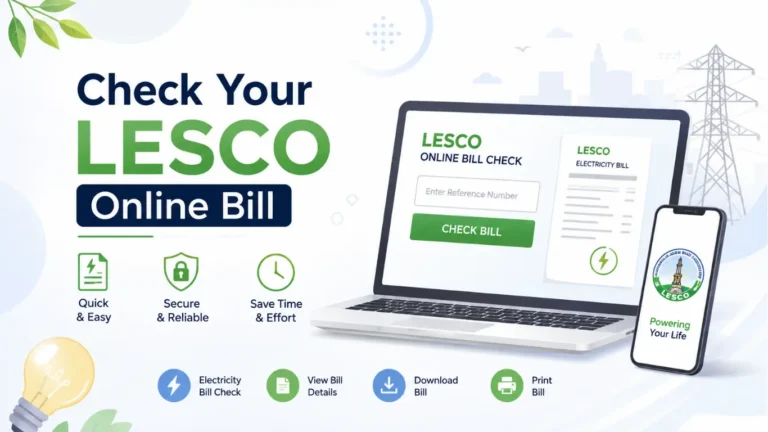
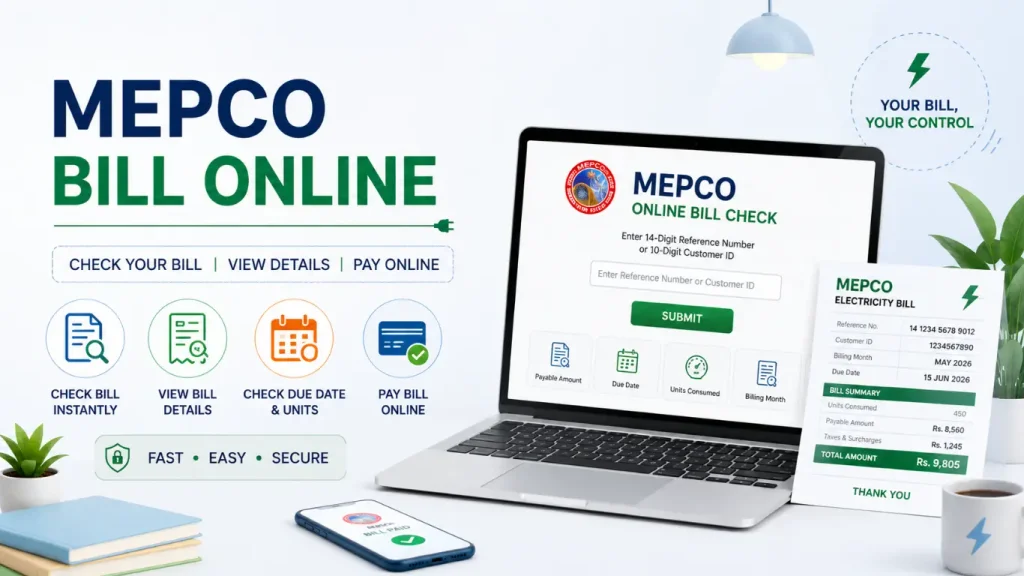
The MEPCO online bill check service gives consumers a quick way to view their electricity bill from anywhere in Pakistan. There is no need to visit a MEPCO office or wait in a queue. You only need your 14-digit reference number or consumer ID to check the latest bill details.
What You Can Check Online
- Bill amount: See the total amount you need to pay.
- Due date: Check the payment deadline and avoid late charges.
- Units consumed: Review the electricity units used during the billing period.
- Bill details: Check important information related to your current electricity bill.
- Easy access: View your bill using a mobile phone, tablet, or computer.
- Quick process: Enter your details and get the bill information without unnecessary steps.
The process is simple and convenient, especially for consumers who want to check their bill before making a payment. Below, you can follow the complete step-by-step method to check your MEPCO online bill.
Check MEPCO Bill by Reference Number
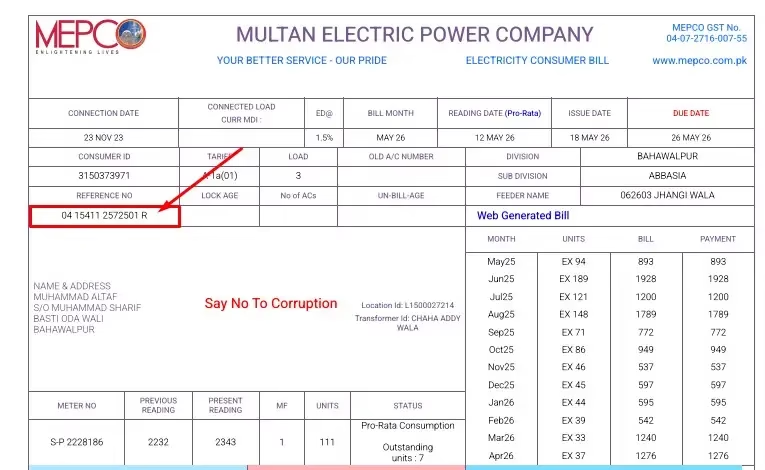
The 14-digit reference number is one of the simplest ways to check your MEPCO bill online. You can find this number on your latest or any previous electricity bill.
How to Check Your Bill
- Find the 14-digit reference number on your MEPCO Online bill.
- Enter the number in the Check Bill box on the online bill page.
- Click Submit to view your bill.
- Your bill details will appear within a few seconds.
You Can See on Your Bill
- Total payable amount
- Due date
- Billing month
- Units used
- Taxes and other charges
Check MEPCO Bill by Consumer ID
If you do not have your 14-digit reference number, you can also check your bill with your 10-digit Customer ID. It is a simple way to view your ebill details online without visiting a MEPCO office.
How to Check Your Bill
- Find your 10-digit Customer ID on your previous MEPCO bill.
- Enter the Customer ID in the Check Bill box.
- Click Submit.
- Your latest bill details will appear on the screen.
Bill Details You Can View
- Total bill amount
- Due date
- Billing month
- Units consumed
- Other bill charges
You can also download or print the bill if you need a copy for your records or payment.
Check MEPCO Bill via SMS
If you do not have a stable internet connection, you can check your bill through SMS. This is a simple option for getting basic bill information directly on your mobile phone.
How to Check MEPCO eBill by SMS
- Open the SMS/Messages app on your mobile.
- Type PITC, leave a space, and enter your 14-digit reference number.
- Send the message to 8334.
- Wait for the reply with your bill information.
- Check details such as the bill amount, due date, billing month, and units consumed.
This SMS method is useful when you cannot access the internet. It lets you check your from your mobile without visiting a MEPCO office.