HESCO Bill Online Check,View and Download Duplicate Bill Instantly
Check your HESCO electricity bill online using your 14-digit reference number. View your latest bill anytime, anywhere no office visits, no queues, and no hassle.
Check HESCO Online Bill
Enter your 14-digit reference number to check your latest HESCO bill.
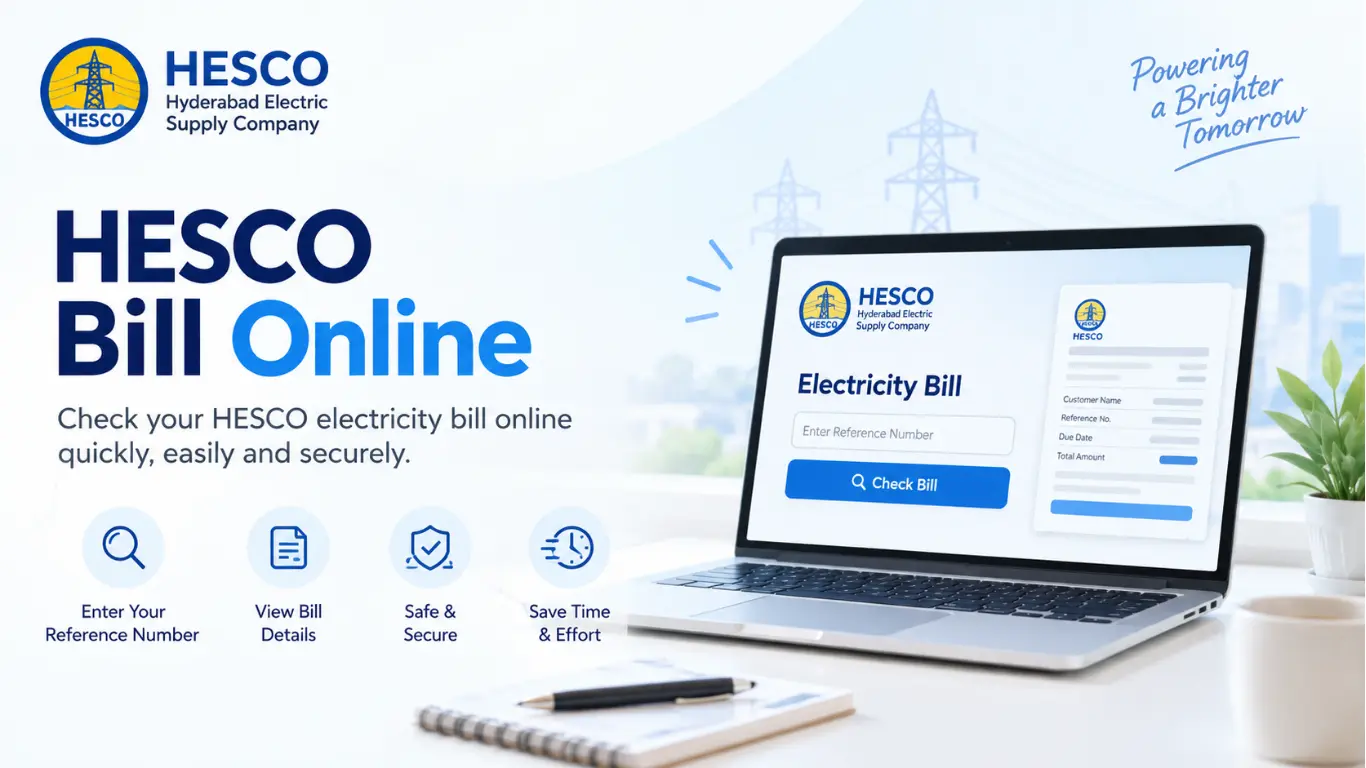
How to Check HESCO Bill Online?
You can check your HESCO electricity bill online in just a few simple steps:
- Find your 14-digit Reference Number on your previous bill.
- Open the online bill portal on your mobile or computer.
- Enter your 14-digit Reference Number in the required field.
- Click on the “Check Bill” or “Search” button.
- Your latest bill will appear with details such as bill amount, due date, and electricity consumption.
- You can view, print, or save the bill as a PDF for future use.
How to Find Your HESCO Reference Number
Your HESCO Reference Number is printed on your previous electricity bill. It is usually a 14-digit number that you need to check your bill online.
- Take your latest or previous bill.
- Look at the top-left corner of the bill.
- Find the section where your connection and consumer details are shown.
- You will see a 14-digit Reference Number there.
- Use this Reference Number to check your HESCO bill online.
What Information on Your HESCO Bill Show?
Your bill usually includes:
- Reference Number
- Consumer Name & Address
- Billing Month
- Meter Reading & Units Used
- Bill Amount
- Due Date
- Taxes and Other Charges
How to Pay HESCO Bill Online
You can pay your bill through several easy methods:
1. Pay HESCO Bill Through JazzCash
- Open the JazzCash app on your mobile.
- Go to Bill Payments and select Electricity.
- Select HESCO from the list of electricity providers.
- Enter your 14-digit Reference Number.
- Check the bill details and amount.
- Confirm the payment using your JazzCash account.
2. Pay HESCO Bill Through Easypaisa
- Open the Easypaisa app.
- Select Bill Payment and choose Electricity.
- Select HESCO.
- Enter your 14-digit Reference Number.
- Check the bill amount and confirm the payment.
3. Pay HESCO Bill Through Bank ATM
- Visit your nearest bank ATM.
- Insert your ATM card and enter your PIN.
- Select Bill Payment or Utility Bills.
- Choose Electricity and select HESCO.
- Enter your Reference Number.
- Check the bill details and confirm the payment.
4. Pay Through Mobile Banking
- Open your bank’s mobile banking app.
- Go to Bill Payments or Utility Bills.
- Select Electricity → HESCO.
- Enter your Reference Number.
- Verify the bill details and make the payment.
5. Pay at a Bank Branch
- Take your HESCO bill to a nearby bank branch.
- Give the bill to the cashier.
- Pay the required amount in cash.
- Keep the payment receipt for your record.
6. Pay Through JazzCash or Easypaisa Agent
- Visit a nearby JazzCash or Easypaisa shop.
- Give the agent your HESCO bill or Reference Number.
- Pay the bill amount in cash.
- Collect your payment receipt.
About HESCO
Hyderabad Electric Supply Company (HESCO) is one of Pakistan’s major electricity distribution companies. It supplies electricity to several areas of Sindh and manages the distribution, billing, and maintenance of the power network in its service region. HESCO customers can also check their electricity bills online, view bill details, and use different online or offline payment options for convenient bill payment.
HESCO Peak Hours
| Season | Peak Hours |
|---|---|
| December – February | 5:00 PM – 9:00 PM |
| March – May | 6:00 PM – 10:00 PM |
| June – August | 7:00 PM – 11:00 PM |
| September – November | 6:00 PM – 10:00 PM |